
Cancel or Reschedule an Appointment: Message Templates
Copy-ready messages to cancel or reschedule an appointment, from either side: as a client, as a business, at short notice, or with new time options. Polite and clear, from a keyboard developer.
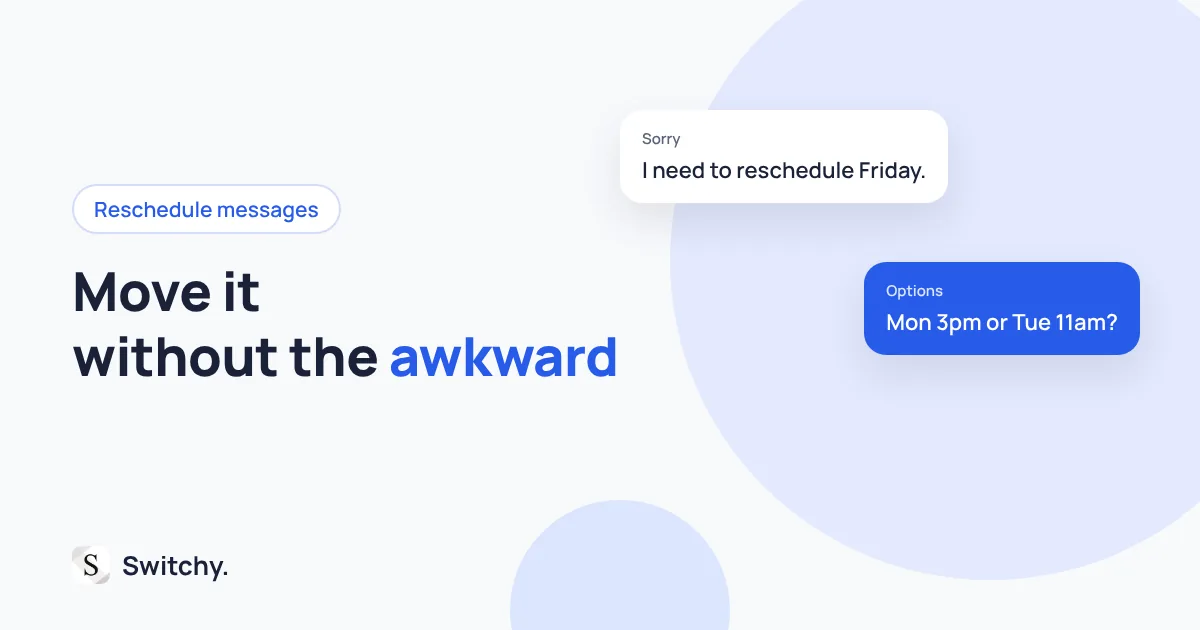
Something came up. You need to cancel or move an appointment, and you want to do it without sounding flaky or leaving the other person guessing.
The rule is simple: say it early, say it clearly, and offer a next step. If you are rescheduling, give two or three specific times instead of “when works for you?”
I build Switchy, a saved-text keyboard for iPhone, and these messages are worth saving because they always come at a busy moment. Below are templates from both sides: as a client and as a business.
If you are just running a few minutes behind, you do not need to reschedule. See running late text messages.

Rescheduling as a client
Hi [name], I’m sorry, but I need to reschedule my appointment on [day] at [time]. Would [option 1] or [option 2] work instead?
Hi, this is [name]. Something came up and I can’t make it on [day]. Could we move it to later in the week? I’m free [times].
Cancelling as a client
Hi [name], I need to cancel my appointment on [day] at [time]. Sorry for the short notice, and thank you for understanding.
Hi, I won’t be able to make it on [day] and I’d like to cancel for now. I’ll reach out when I can rebook.
If there is a cancellation policy, mention that you have seen it. It shows respect for their time.
Rescheduling as a business
Hi [name], I’m sorry, but I need to move your appointment on [day]. Could you do [option 1] or [option 2] instead? If neither works, reply with a time that does and I’ll make it happen.
Hi [name], due to [reason], we need to reschedule [day]’s appointment. I’m sorry for the change. Here are a few open times: [times].
Cancelling as a business
Hi [name], I’m very sorry, but I have to cancel your appointment on [day] at [time] because of [reason]. I’d love to rebook you as soon as possible. Would [option] work?
When you cancel on a client, always offer a new time in the same message.
Short notice
Hi [name], I’m so sorry for the late notice. I can’t make it today at [time]. Could we reschedule to [option]?
Tips
- Offer specific times. Two or three options get a reply much faster than an open question.
- Do not over-explain. “Something came up” is enough for most appointments.
- Confirm the new time in writing. Then send a fresh confirmation.
Keep them ready
These messages always arrive at an inconvenient time, which is why having them saved helps. Save a client version and a business version with placeholders for day and time. Before the new appointment, a reminder text helps make sure it sticks.