
See the color. Find your words.
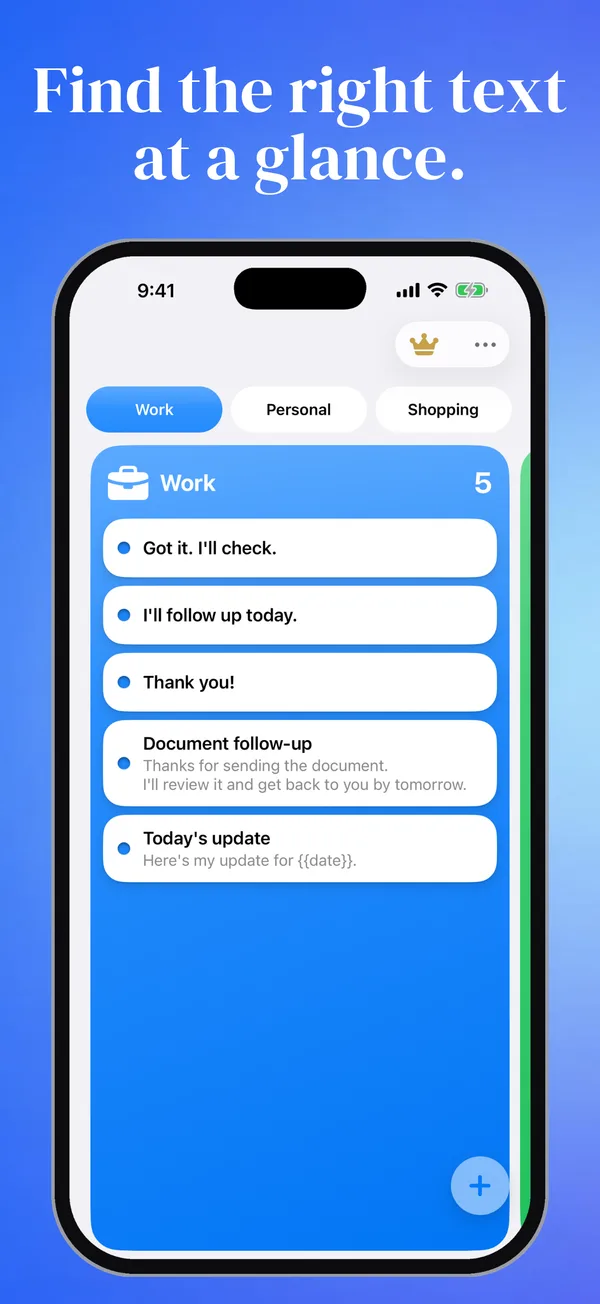
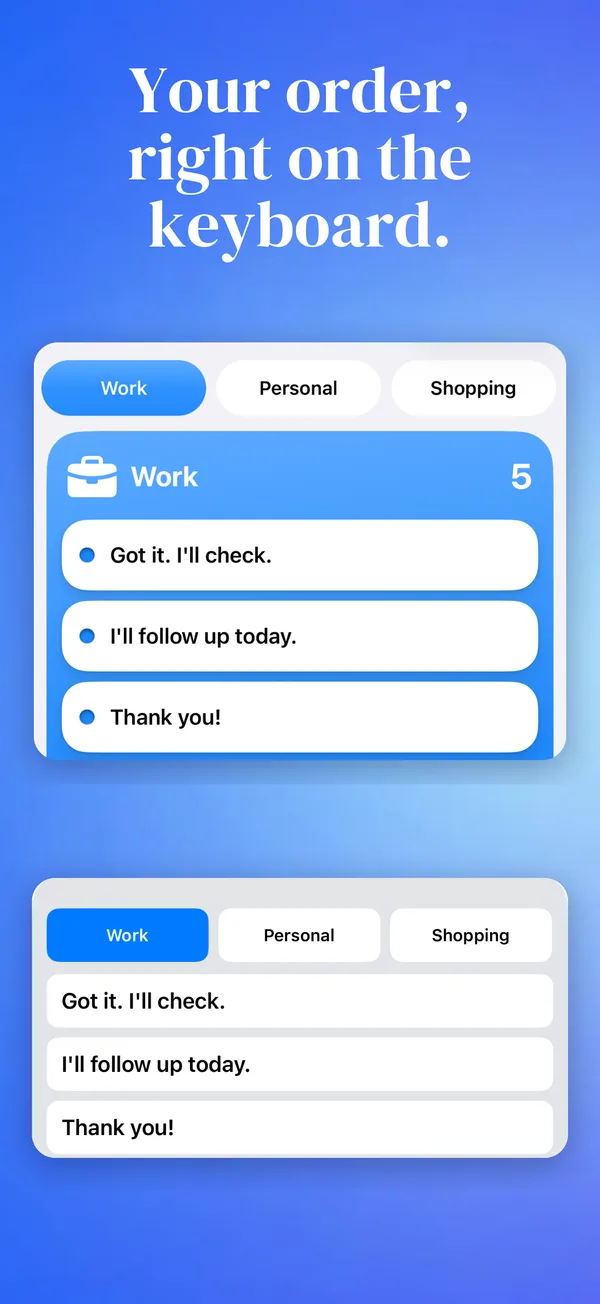
A color and icon for each part of your day.
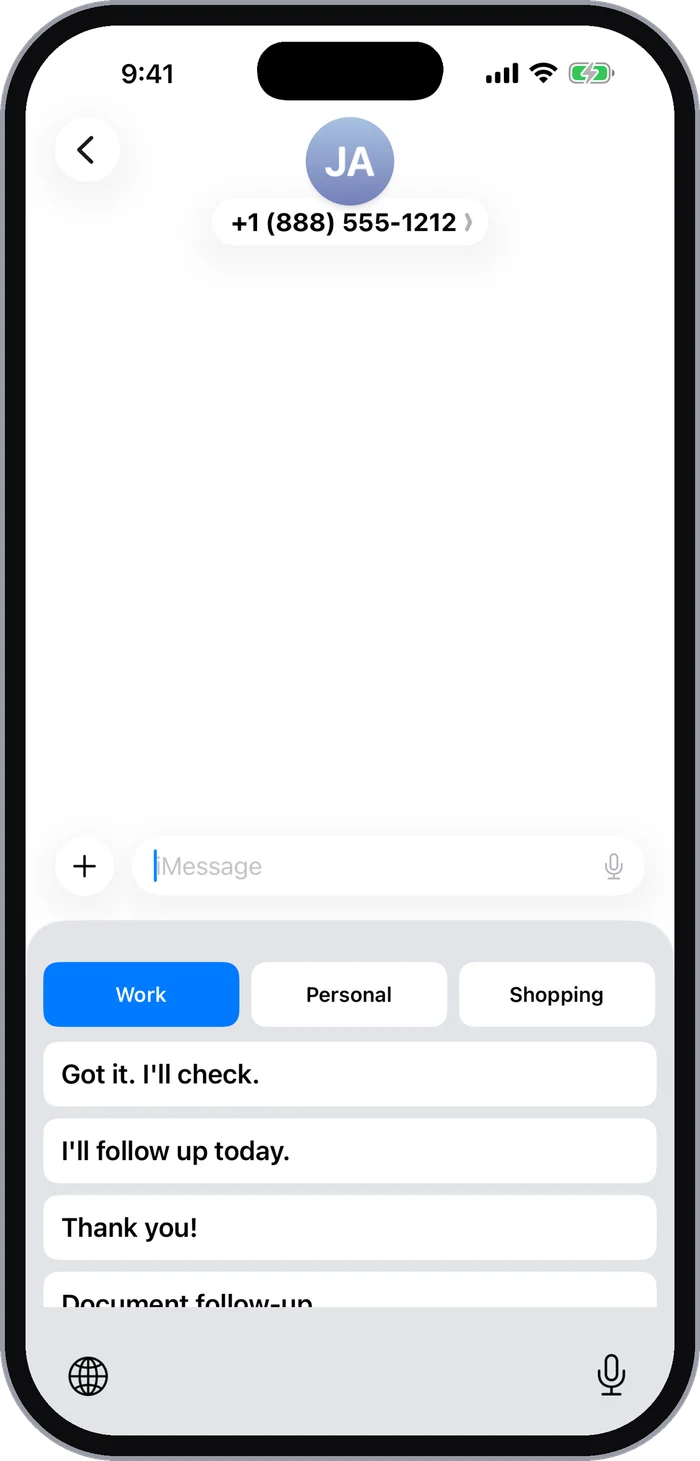
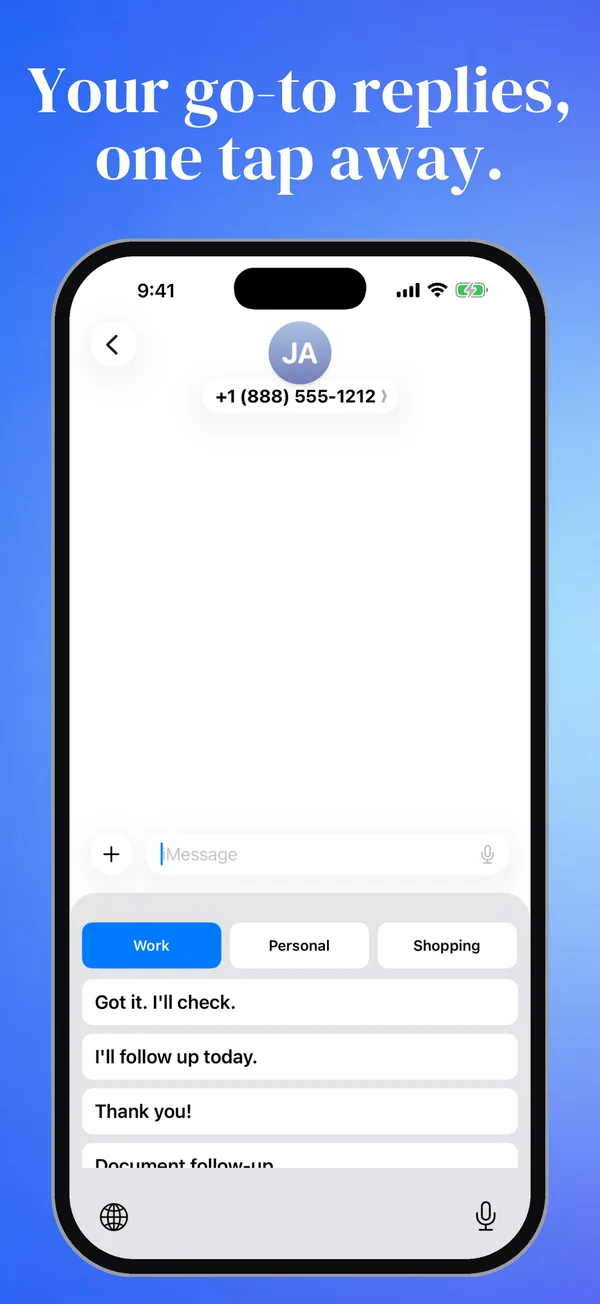
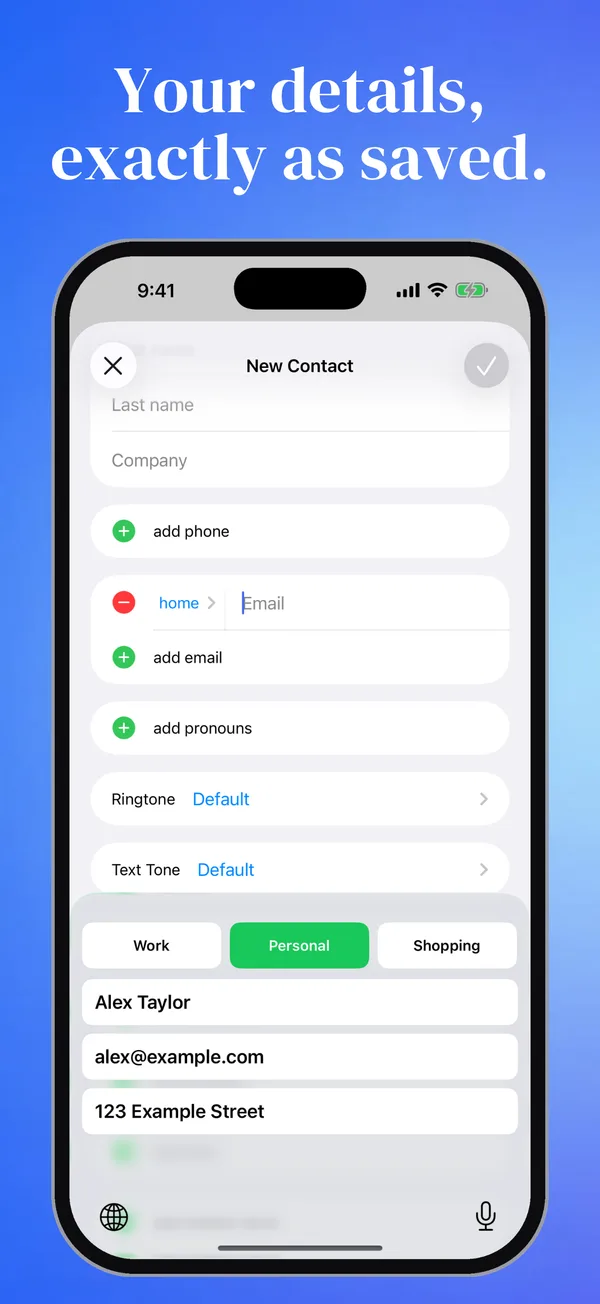
Save your go-to replies and details. Insert them from your keyboard in one tap.
Free to download · In-app purchases
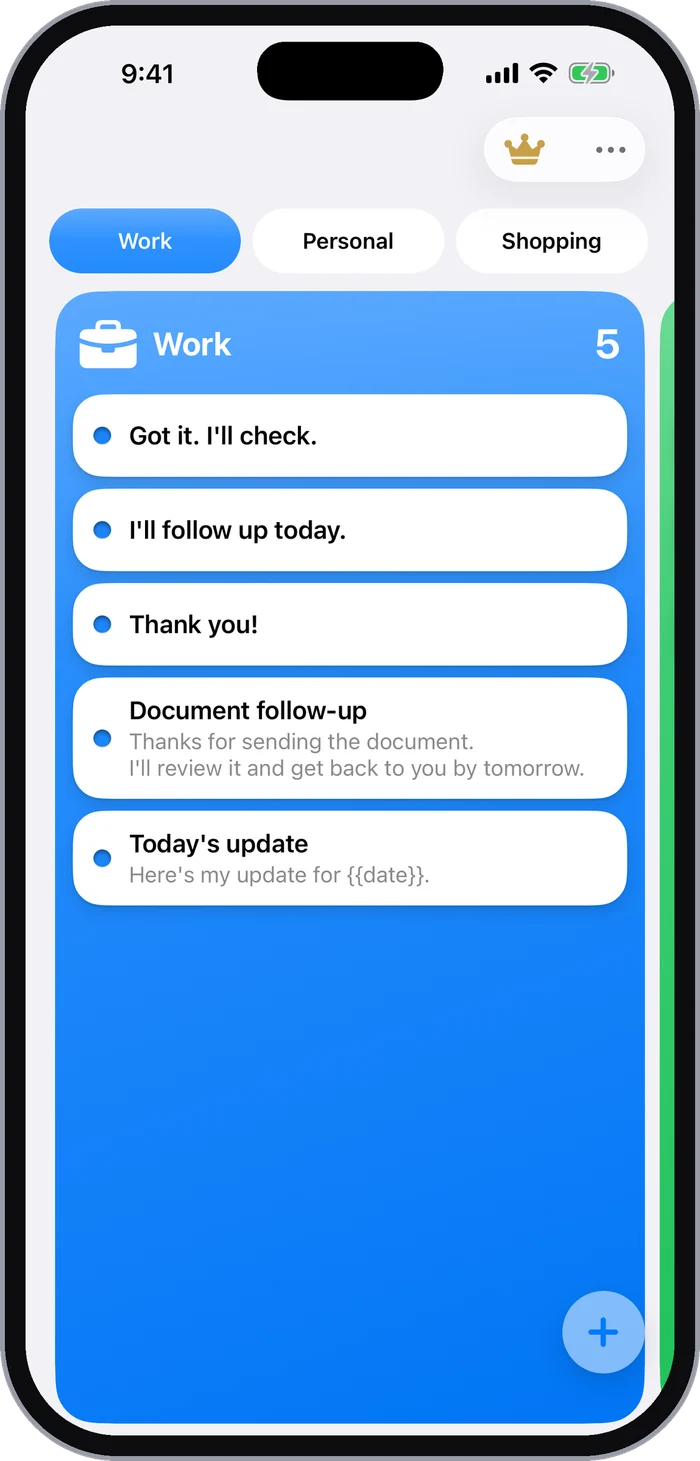
A reply, a name, an email address. Keep the words you use again and again.
Work, personal, shopping. Organize around the way you live.
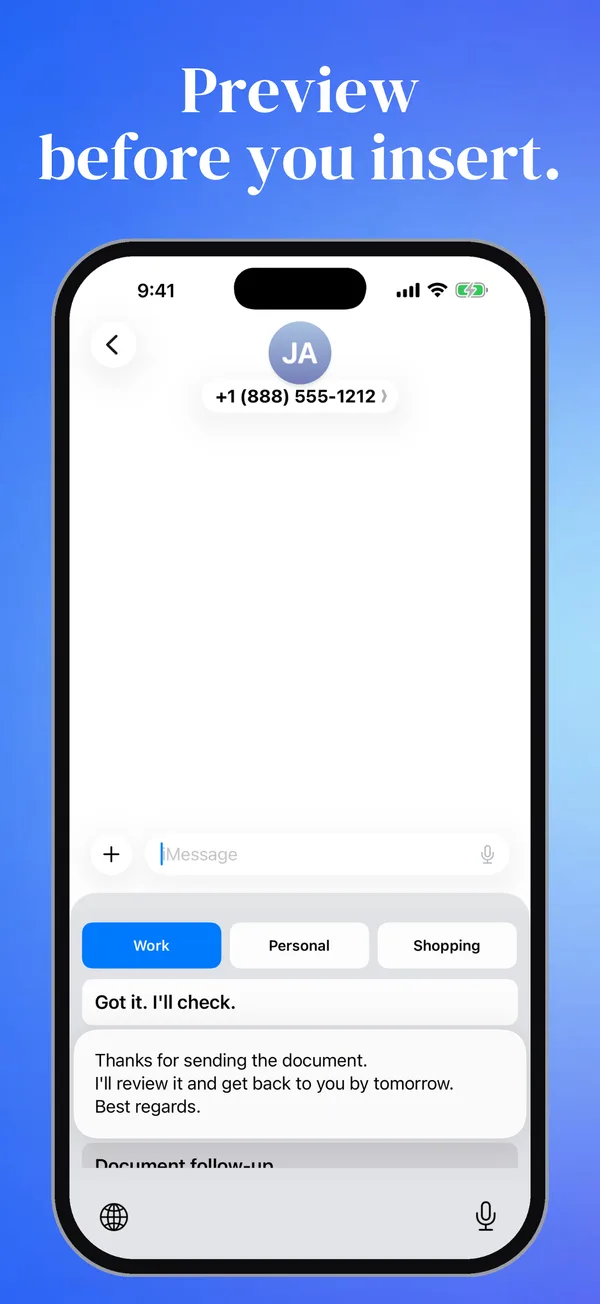
Switch to the Switchy keyboard and choose your saved text.
Could you take a look at the details I sent?
Back to your regular keyboard
An illustrative demo, not the app itself. No messages are sent.
A color and icon for each part of your day.
Short names on your keyboard. The full text on a long press.
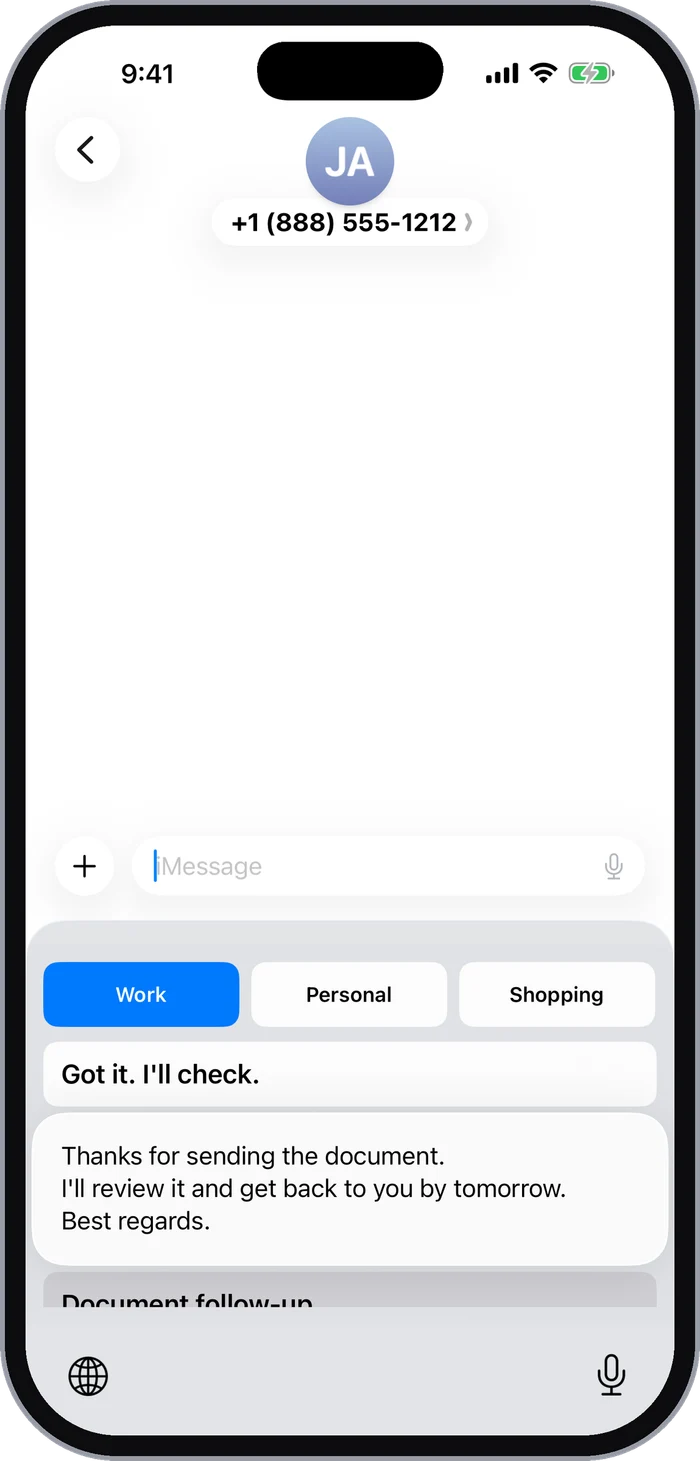
The order you set in Home carries over to your keyboard.
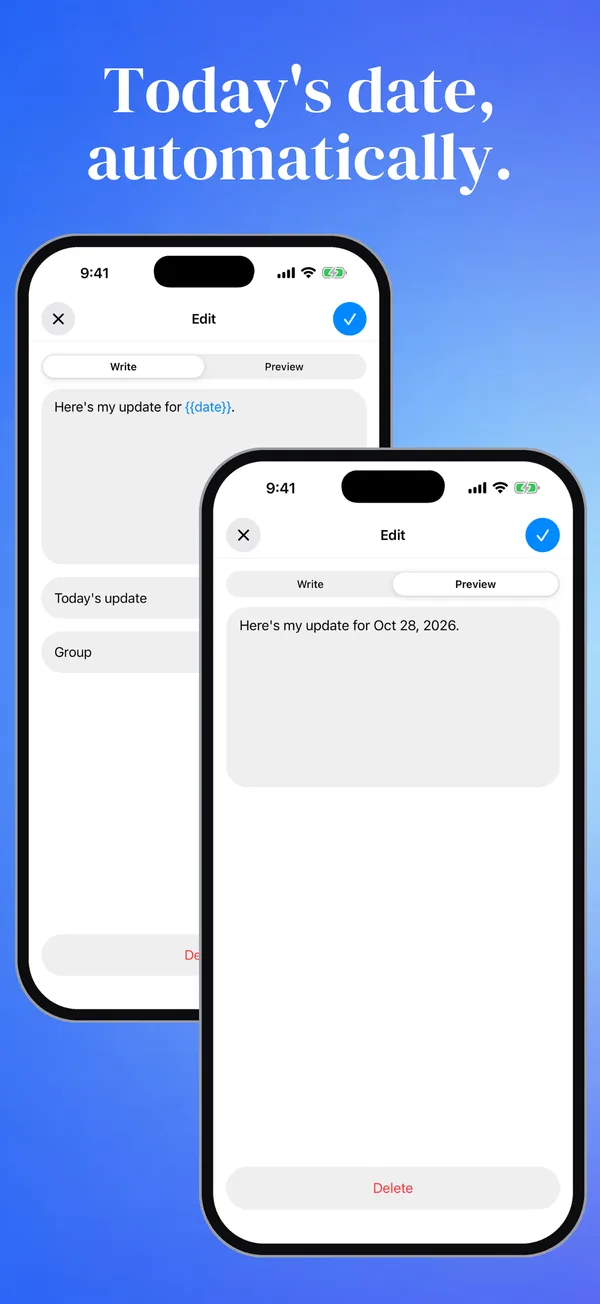
Add a date or time variable to your saved text. It becomes the current value when you insert it.
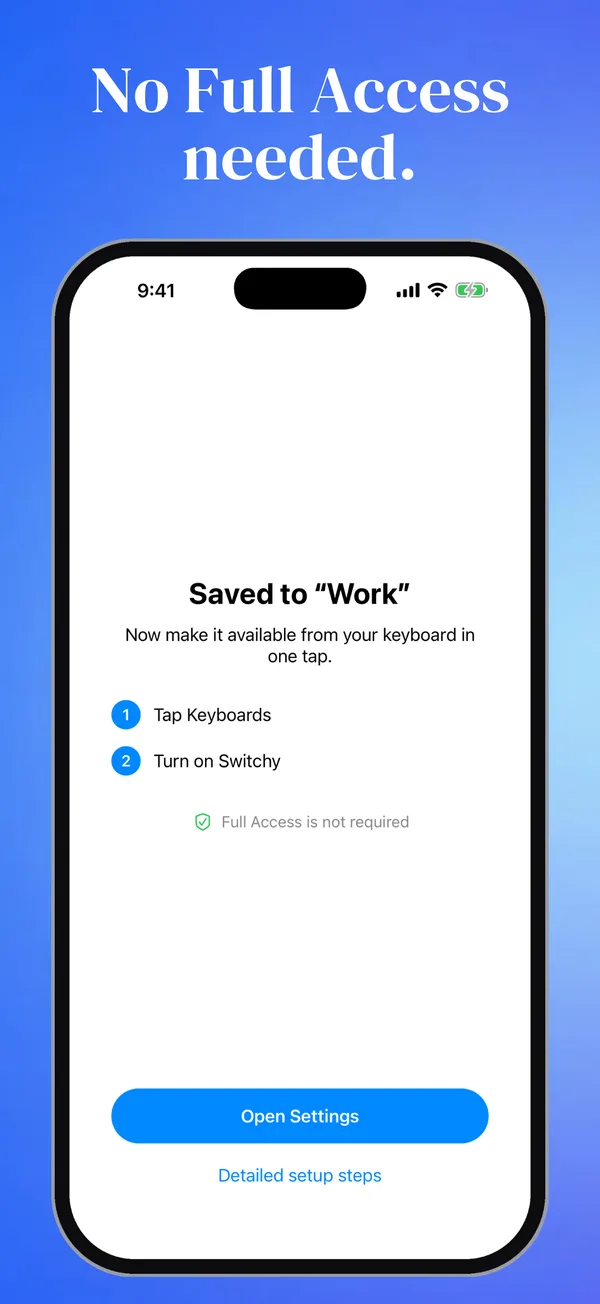
No keyboard Full Access required. Your saved snippets and what you type are not sent to analytics services.
The app uses Firebase and Sentry for usage analytics and diagnostics to improve quality.
See how your data is handledReal screens from Switchy v3.0.0
Pro is an annual subscription. See the in-app purchase screen for current pricing and terms.
Save up to 3 groups with 5 snippets each. One-tap insertion, reordering, display names, long-press previews, date and time variables, and manual backups are all included.
It works in text fields that support custom keyboards. Secure fields such as passwords, and apps that block custom keyboards, cannot use Switchy.
No. Add Switchy in your iPhone keyboard settings to start using your saved text. Full Access is not required.
Export a manual backup and restore it on the new device. Automatic iCloud sync is not currently available.