
The Switchy Journal
Practical help for everyday typing, plus the story behind Switchy.
The story behind Switchy
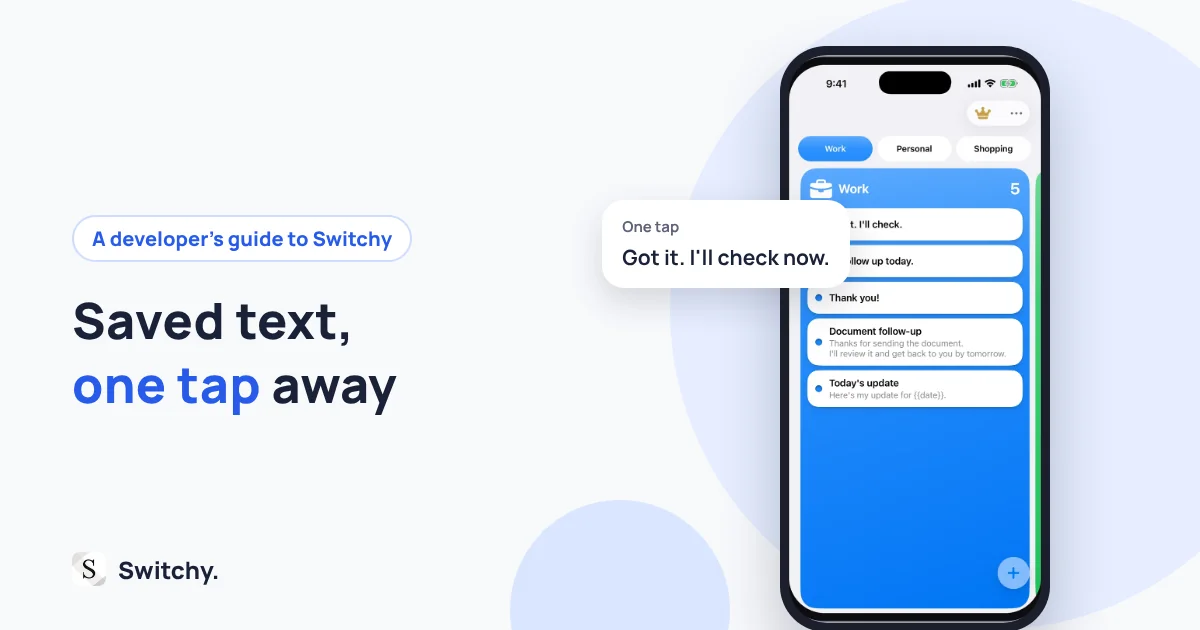
Stop typing the same text
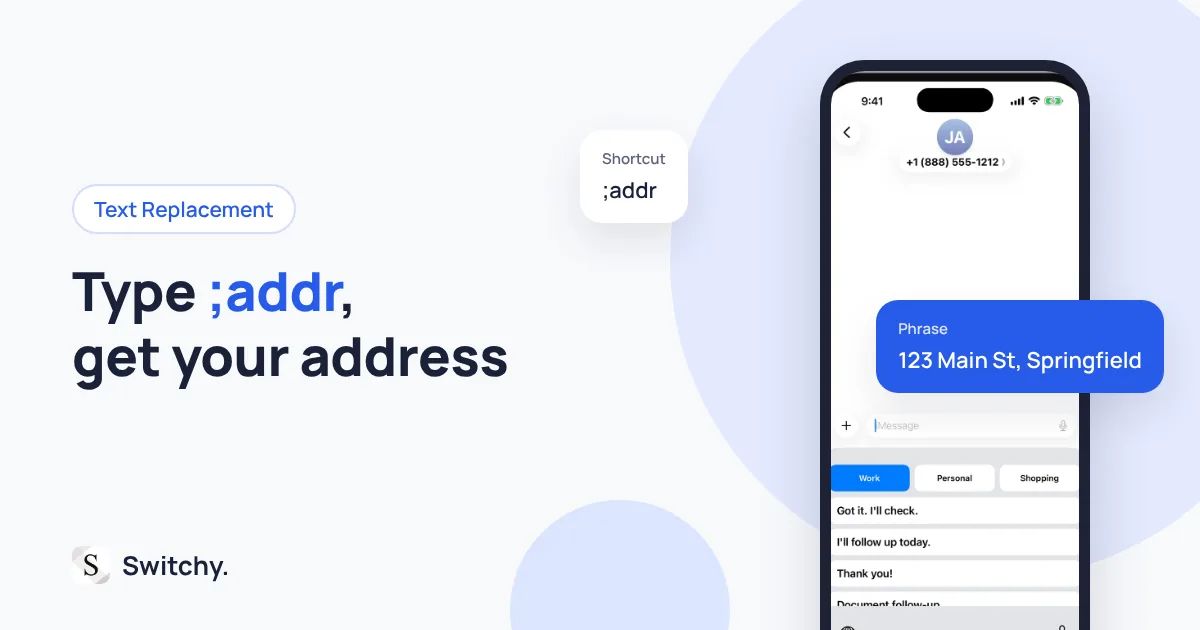
How to Use Text Replacement on iPhone: Setup Guide
Set up Text Replacement on iPhone in under a minute: where the setting lives, how to choose shortcuts that never fire by accident, how it syncs, and what it cannot do. Written by the developer of an iPhone keyboard.
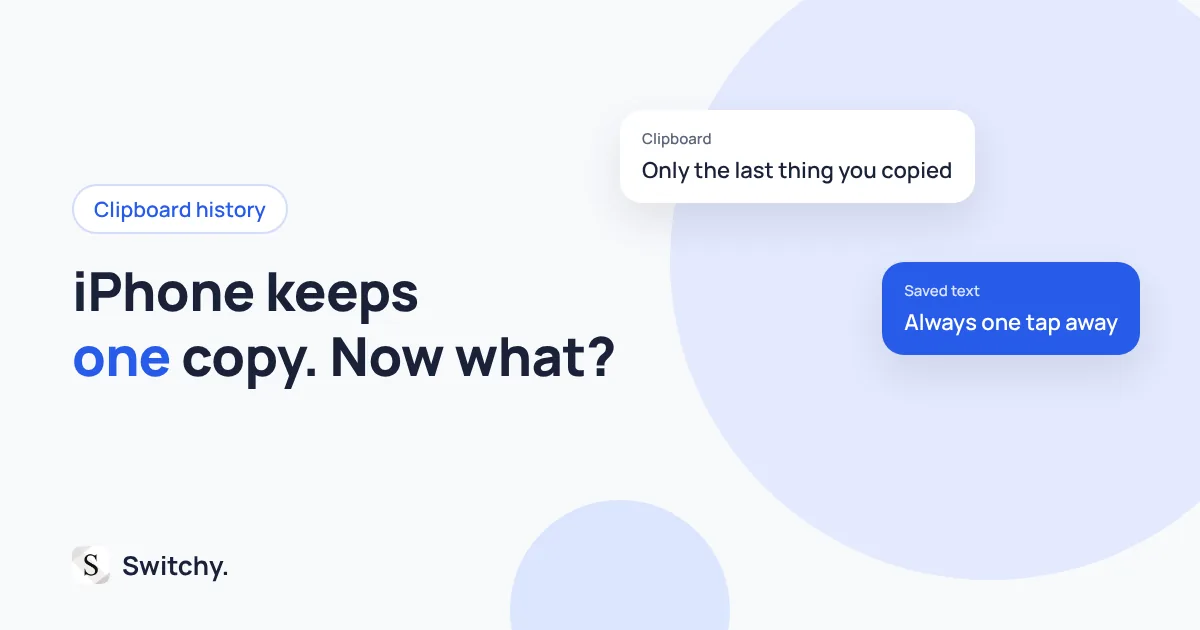
iPhone Clipboard History: Can You See What You Copied?
iPhone has no built-in clipboard history: it only keeps the last thing you copied. Here is how clipboard apps work around that, the permissions they need, and when a saved-text keyboard is the better fix, from a keyboard developer.
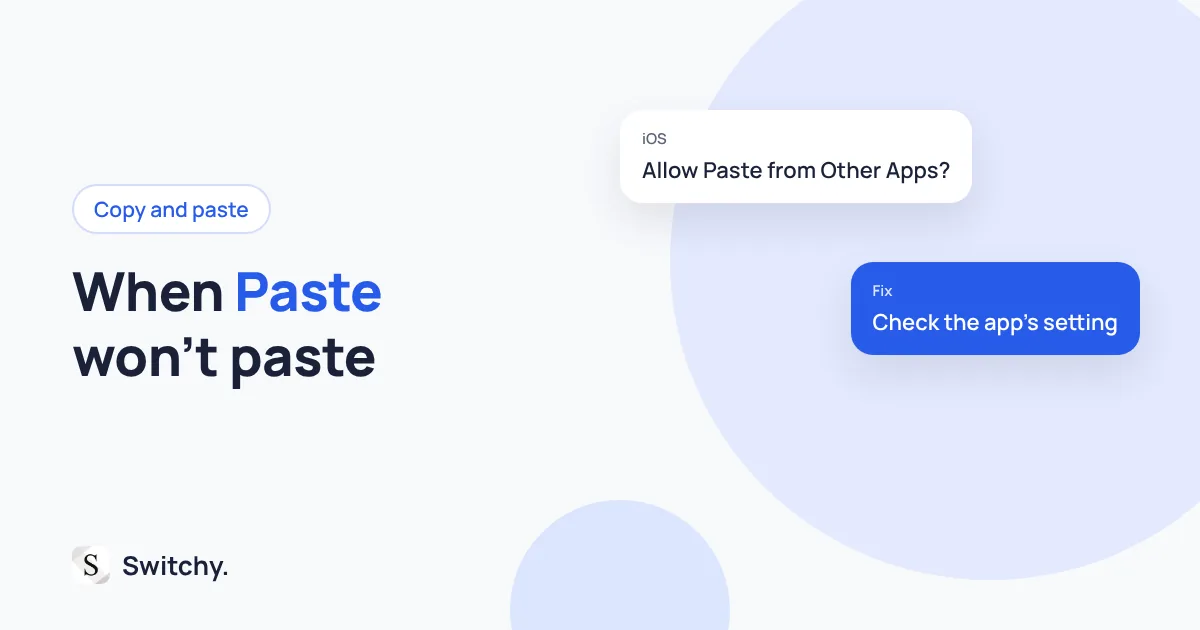
Copy and Paste Not Working on iPhone? Try These Fixes
iPhone copy and paste not working, Paste missing from the menu, or a “Paste from” prompt every time? Here are the causes in the order to check them, including Universal Clipboard and app paste permissions, from a keyboard developer.
Reset Keyboard Dictionary on iPhone: What It Deletes
How to reset the keyboard dictionary on iPhone, and what it really deletes: learned words and every Text Replacement shortcut you saved. Read this before you tap Reset, from the developer of an iPhone keyboard.
iPhone Text Replacement Not Working? 8 Fixes
iPhone Text Replacement not expanding, not syncing, or not saving? Here are the causes in the order to check them, including the keyboard settings that change how shortcuts behave and the misleading save error, from a keyboard developer.
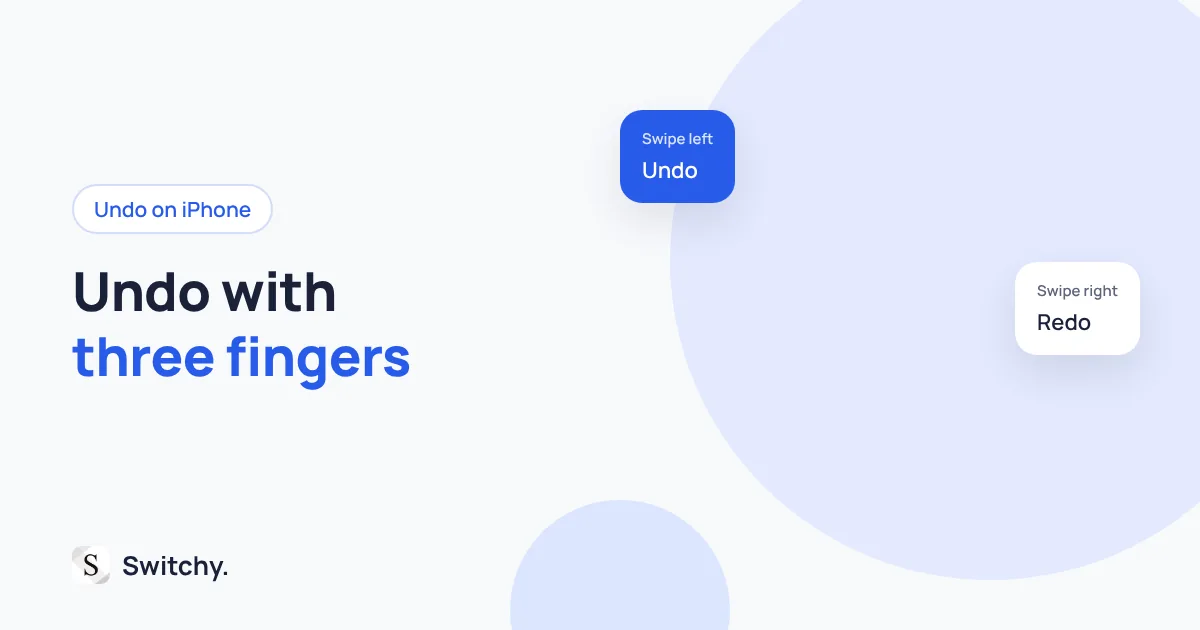
How to Undo Typing on iPhone: 4 Ways That Work
Deleted a paragraph or pasted the wrong thing? Here are four ways to undo typing on iPhone: three-finger swipe, three-finger double-tap, shake to undo, and the edit menu, from a keyboard developer.
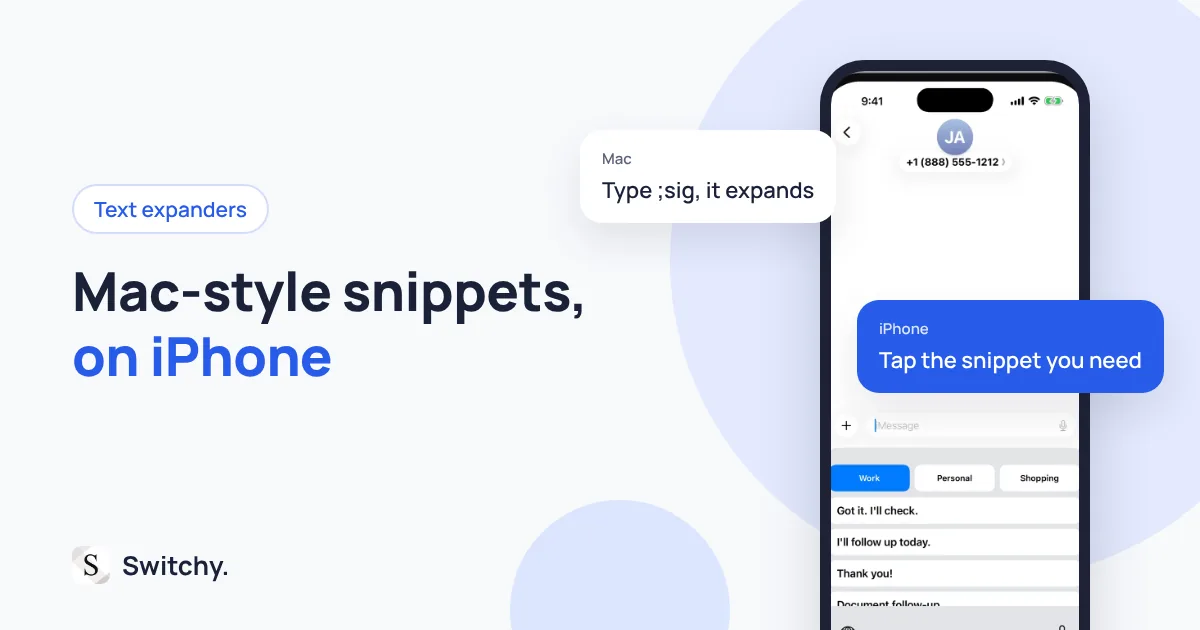
Text Expander Apps for iPhone: What Actually Works
Looking for a text expander on iPhone? iOS does not allow Mac-style expansion everywhere, so here is what does work: Text Replacement, snippet keyboards, and Shortcuts, compared honestly by the developer of an iPhone keyboard.
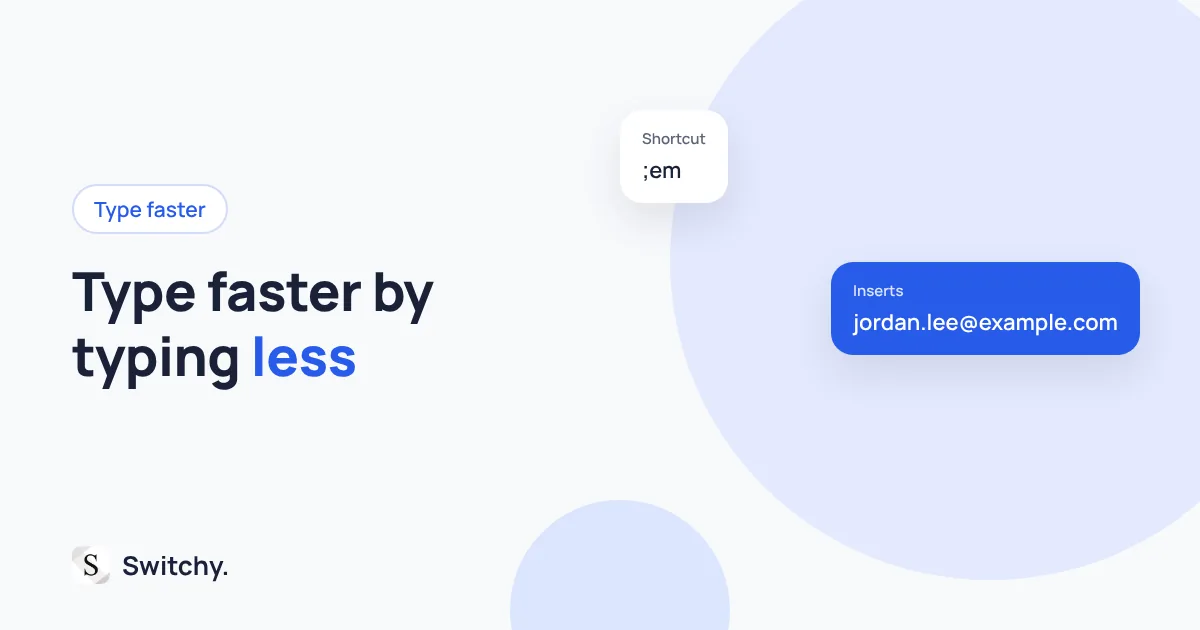
How to Type Faster on iPhone: 9 Habits That Work
Type faster on iPhone with nine habits a keyboard developer actually uses: shortcuts for repeated text, the space-bar cursor, double-space periods, dictation, and saving the things you type every day.
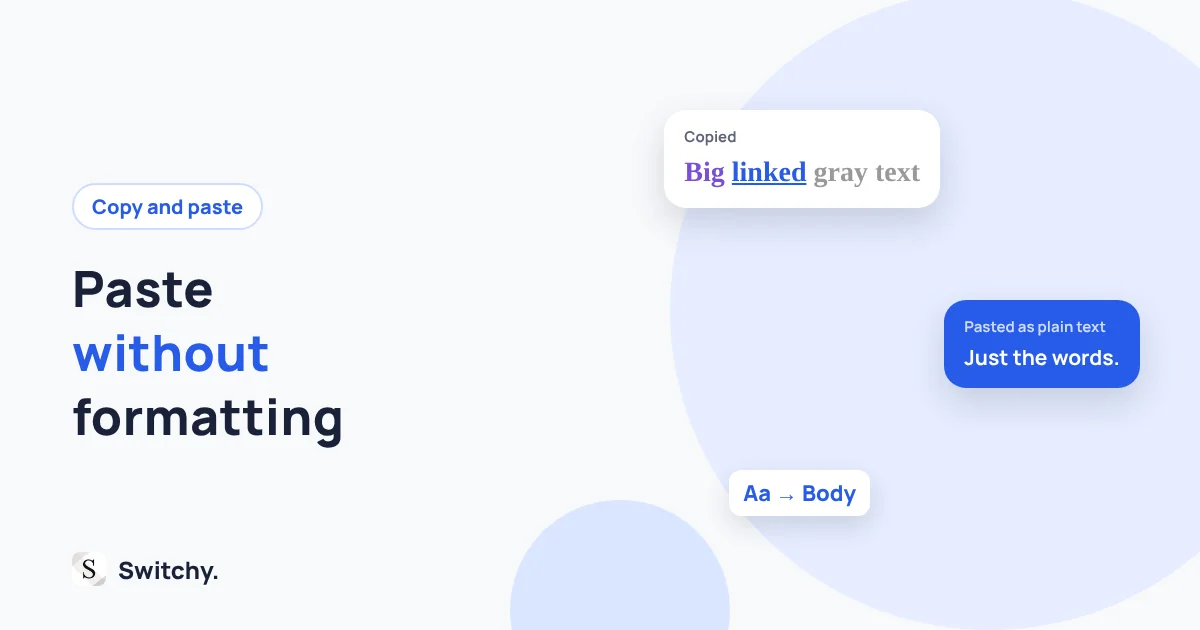
How to Paste Without Formatting on iPhone
Pasted text bringing along giant fonts, links, and colors? Here are five ways to paste plain text on iPhone, and why this happens, from a keyboard developer.
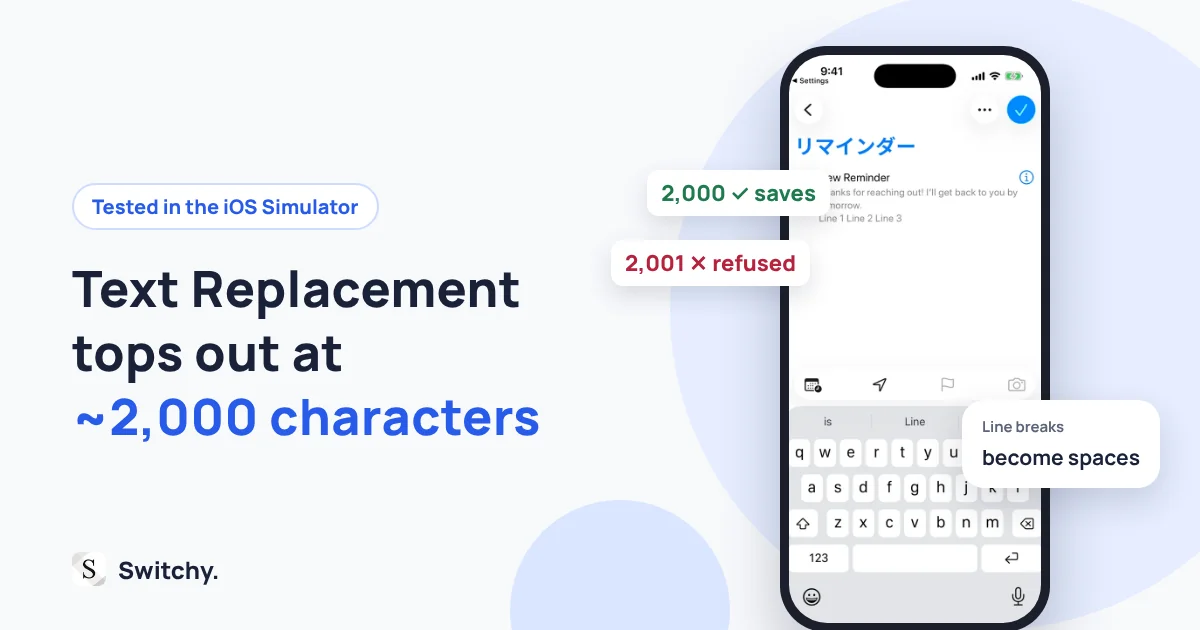
iPhone Text Replacement Character Limit: What We Found
Is there a character limit for iPhone Text Replacement? Apple does not publish one, so a keyboard developer tested long phrases and line breaks in the iOS Simulator. The answer: about 2,000 characters, and line breaks become spaces.
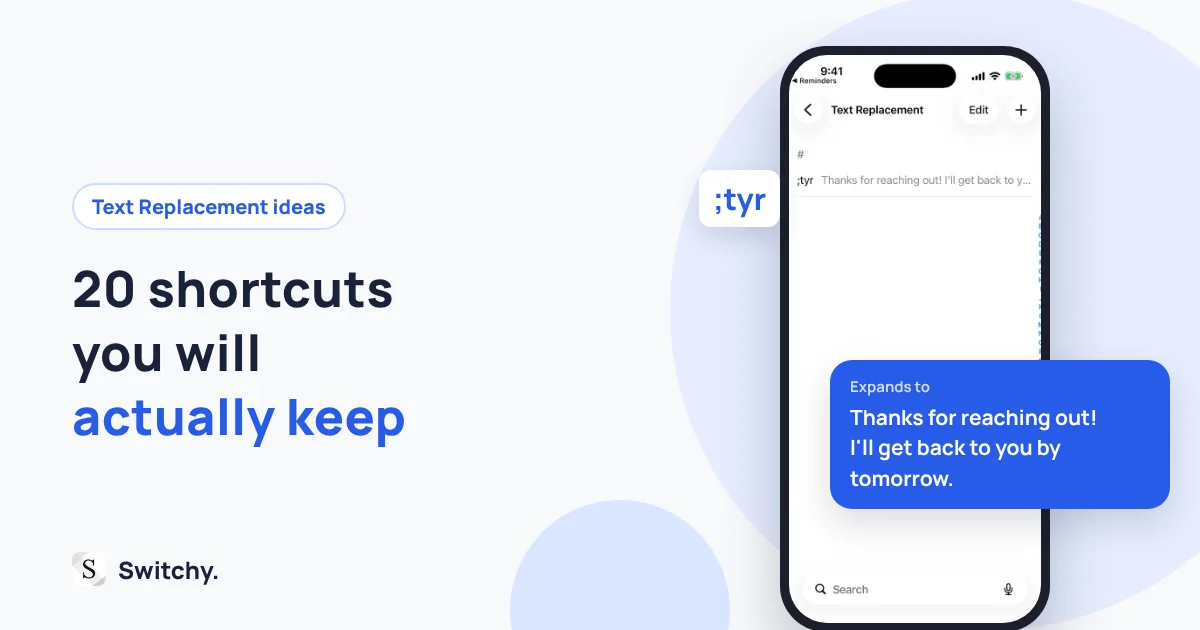
iPhone Text Replacement Ideas: 20 Shortcuts Worth Saving
Twenty practical iPhone Text Replacement ideas, from email addresses to polite replies, plus the shortcut-naming system a keyboard developer uses so you never forget a trigger.
Set up keyboards you can trust
Stop the “Allow Paste” Prompt on iPhone
Tired of iPhone asking “Allow Paste?” every time? Here is why the prompt appears, how to set Paste from Other Apps to Allow for apps you trust, and what to do when the setting is missing, from a keyboard developer.
iPhone Keyboard Keeps Switching? Language and Layout Fixes
iPhone keyboard keeps switching to another language or back to Apple’s keyboard? Here are the causes, from extra keyboards in your list to secure fields, and how to make your keyboard stay put, from a keyboard developer.
Third-Party Keyboards on iPhone: Add, Switch, and Trust
How to add a third-party keyboard on iPhone, switch between keyboards, and decide whether to allow Full Access. Plus the places iOS never lets other keyboards work, explained by the developer of an iPhone keyboard.
Third-Party Keyboard Not Working on iPhone? Fixes
Third-party keyboard not showing up, disappearing, or switching back to Apple’s keyboard on iPhone? Here is what is iOS by design and what you can fix, in the order to check, from the developer of an iPhone keyboard.
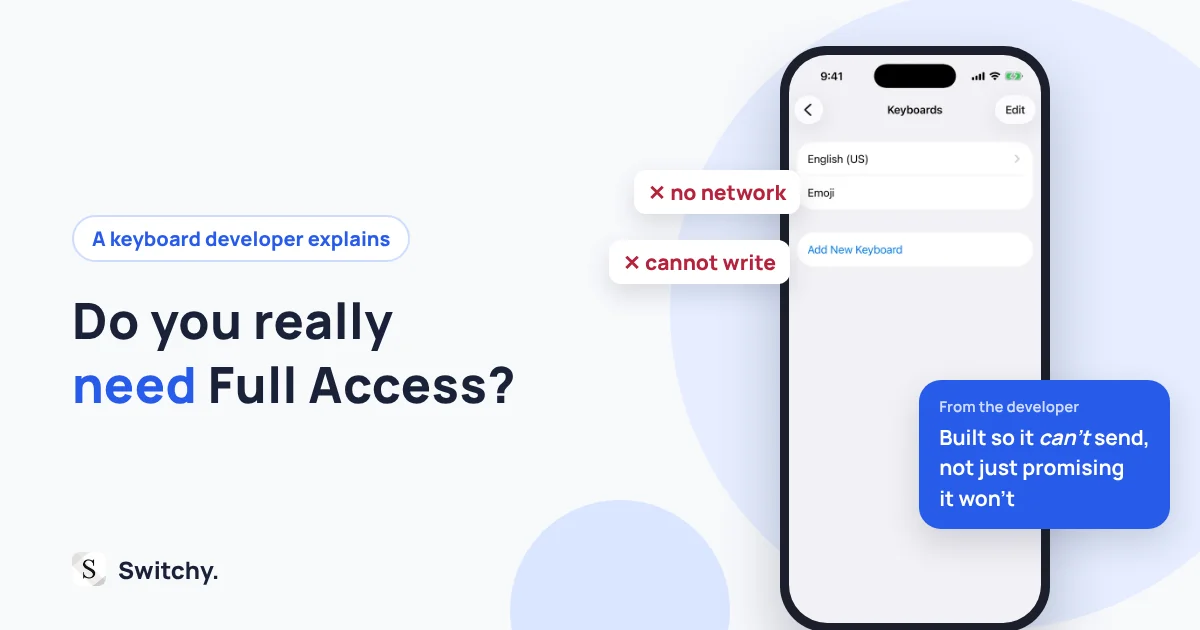
iPhone Keyboard Full Access, Explained
What does “Allow Full Access” actually unlock for an iPhone keyboard? A developer who built a keyboard that works without it explains what changes, what the warning means, and what to check before you turn it on.
Email faster from your phone
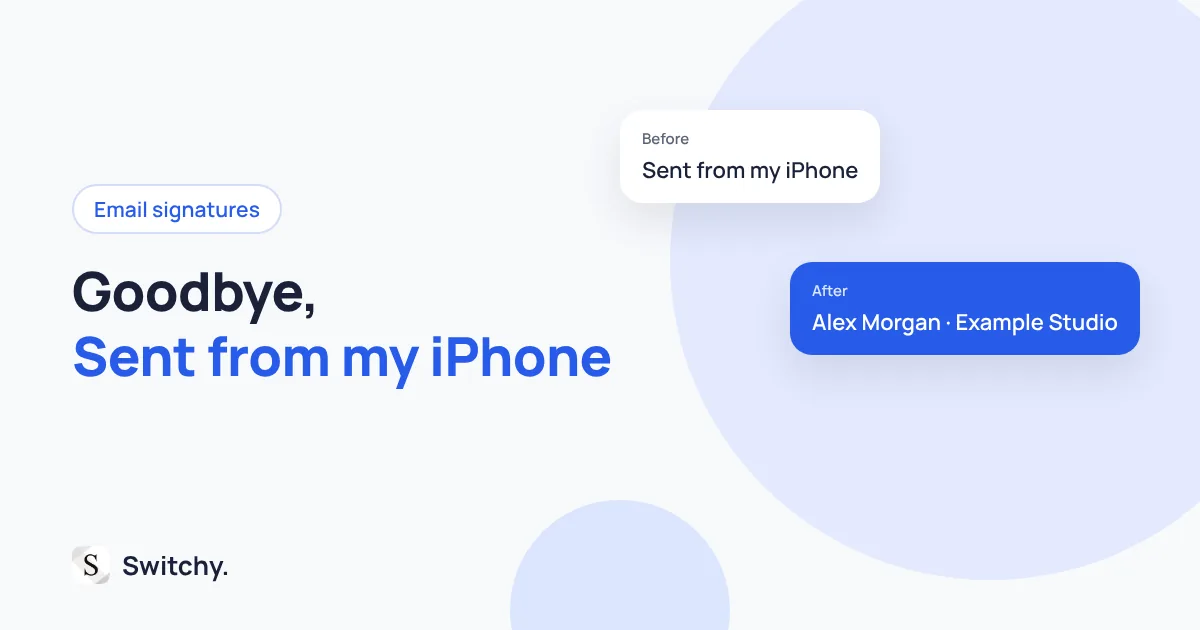
How to Change Your Email Signature on iPhone
Change or remove “Sent from my iPhone” in Apple Mail, set a different signature per account, and fix the line breaks and formatting that go wrong. Plus Gmail and Outlook, from the developer of an iPhone keyboard.
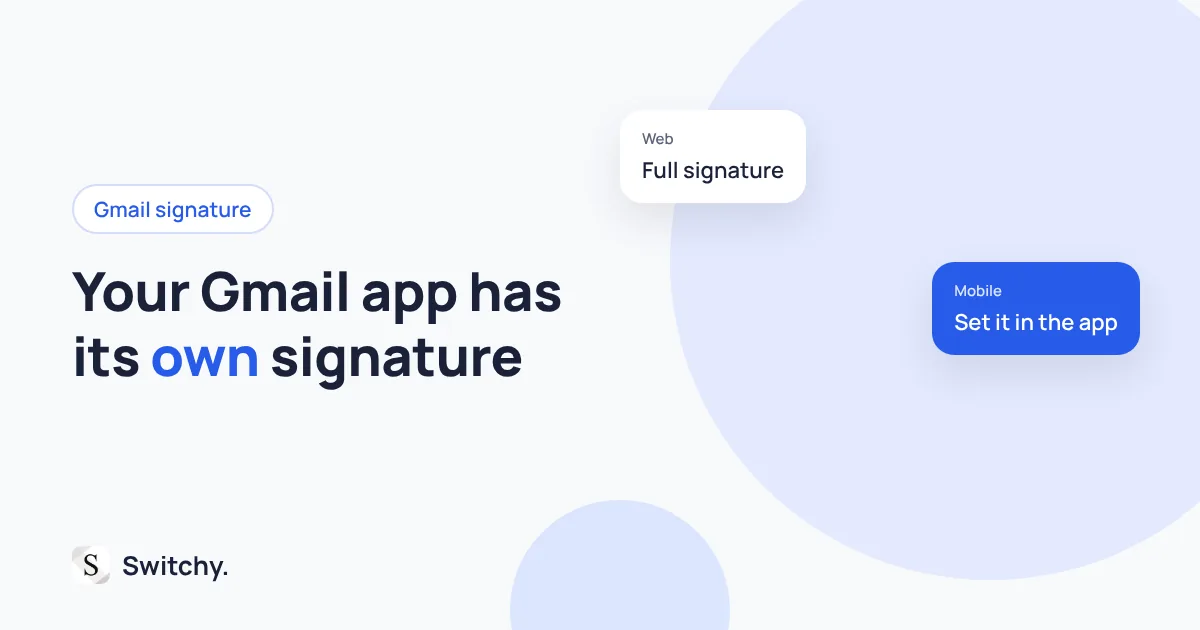
How to Change Your Gmail Signature on iPhone
Change your Gmail signature in the Gmail app on iPhone, understand why it differs from your computer signature, and fix line breaks and formatting. Plus how to use more than one, from the developer of an iPhone keyboard.
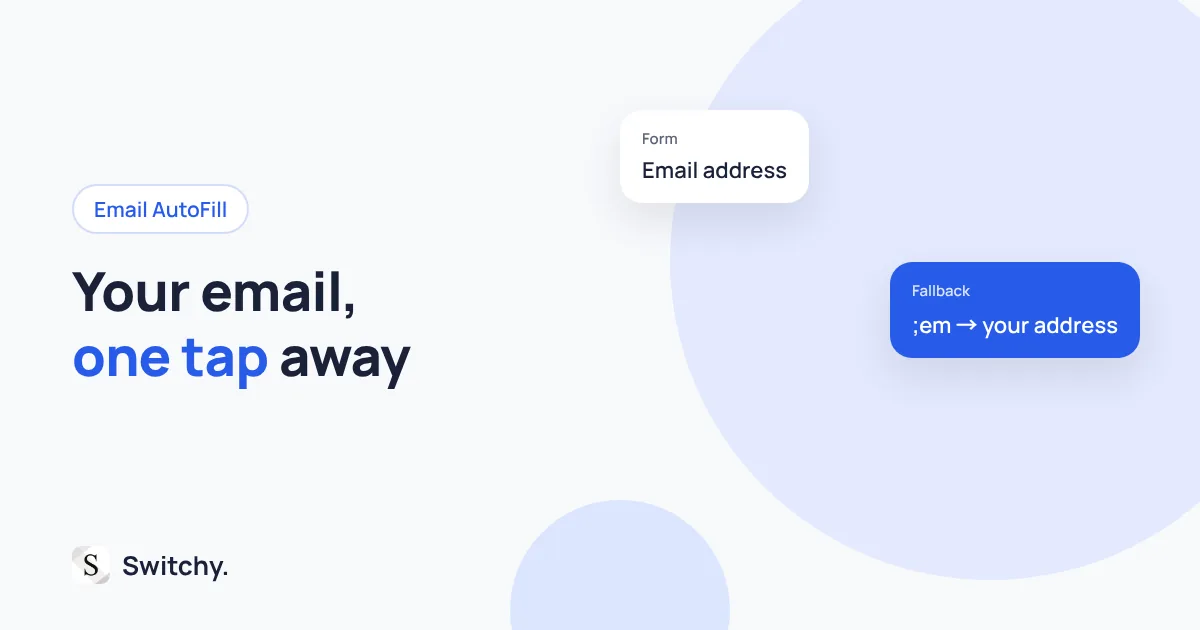
iPhone Email AutoFill Not Working? How to Fix It
iPhone not suggesting your email address in forms? Check your contact card, Safari AutoFill settings, and the form itself. Plus a reliable fallback for fields where AutoFill never appears, from a keyboard developer.
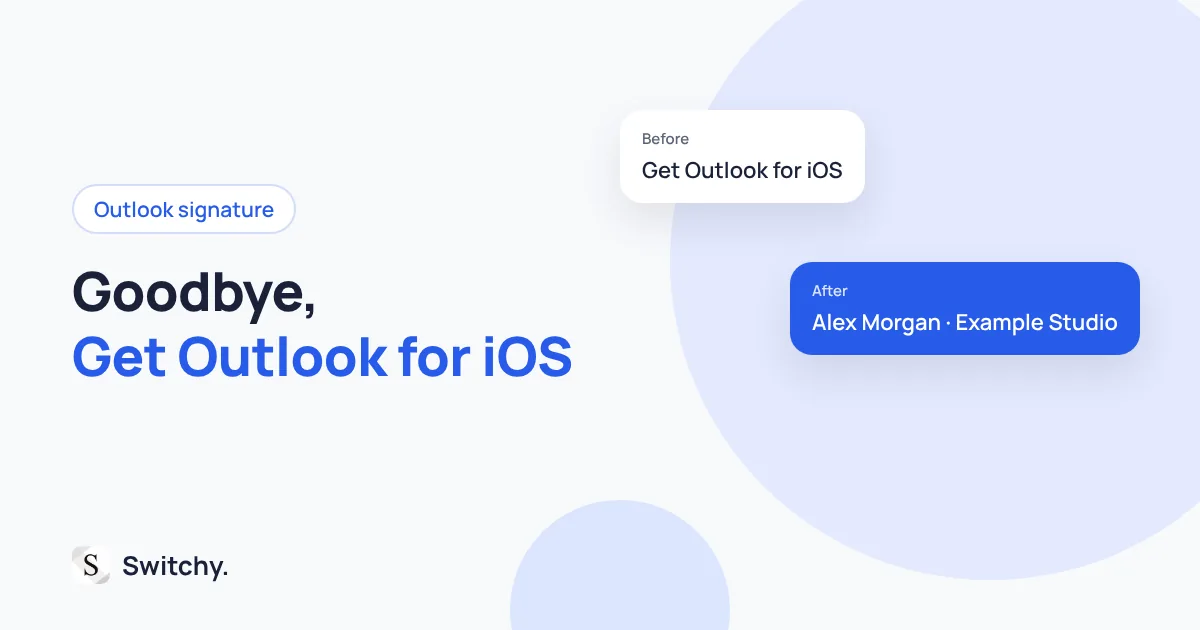
How to Change Your Outlook Signature on iPhone
Change the signature in the Outlook app on iPhone, remove “Get Outlook for iOS,” and set a different signature per account. Plus what to do when you need more than one, from the developer of an iPhone keyboard.
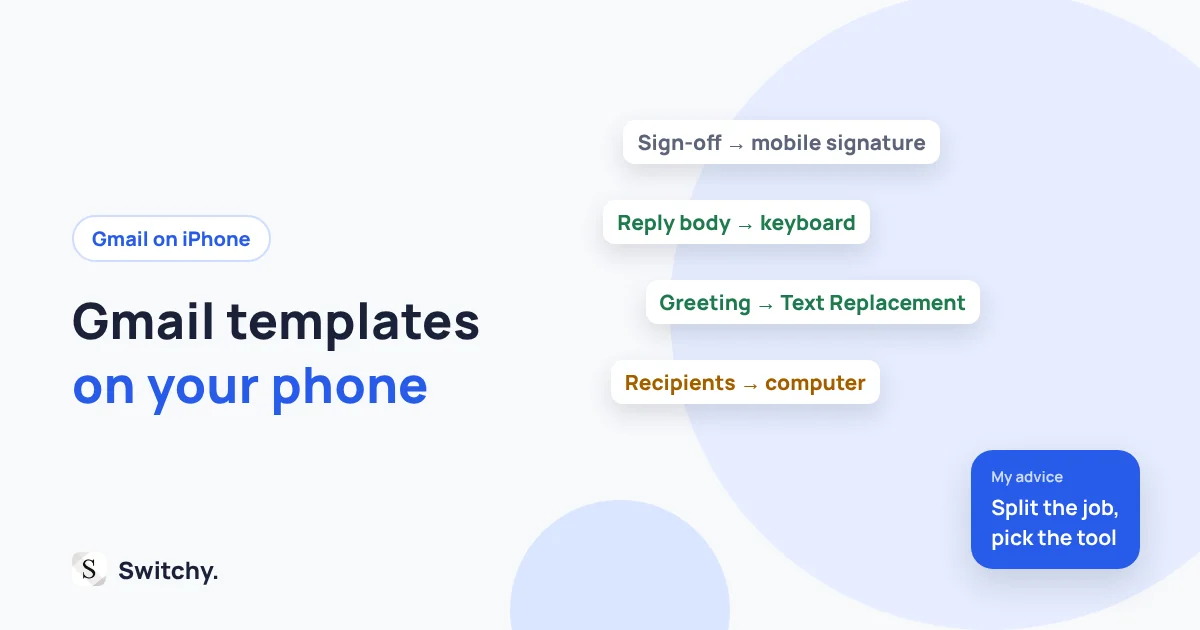
Gmail Templates on Mobile: What Works on iPhone
Gmail’s built-in templates are a computer-only feature. A keyboard developer breaks down what you actually wanted from a template and the iPhone alternatives that work: mobile signatures, add-ons, and inserting text from the keyboard.
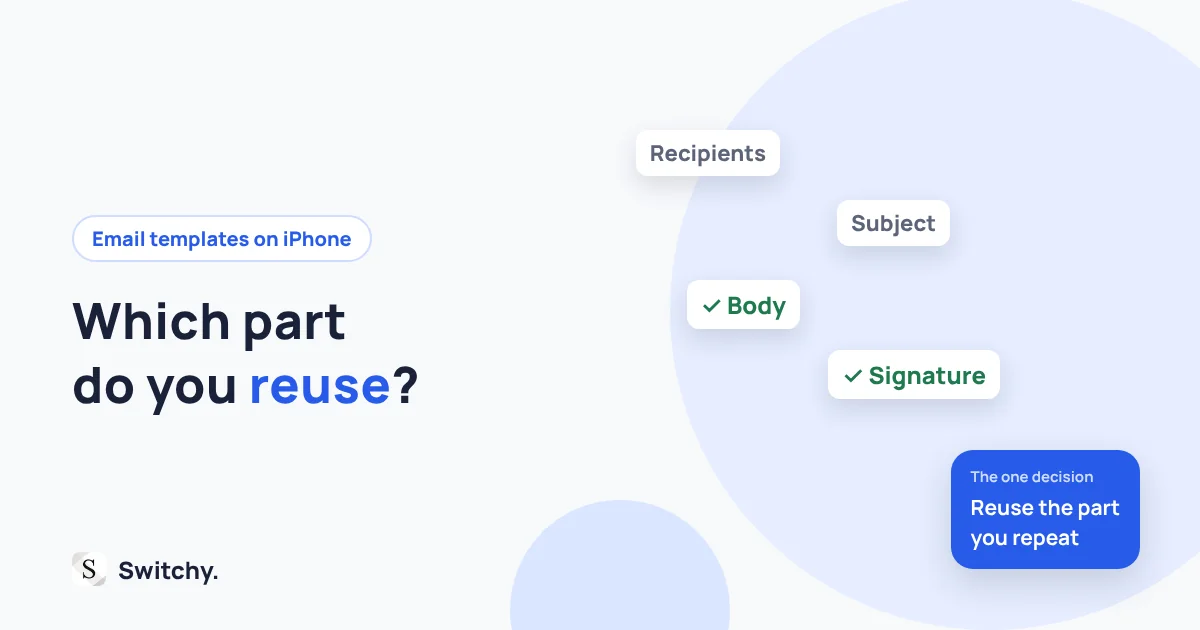
Email Templates for iPhone: Choose the Right Method
Five ways to reuse email text on iPhone, from mail app templates to Notes, Text Replacement, and saved-text keyboards. A keyboard developer explains what each can and cannot fill in, and which to use when.
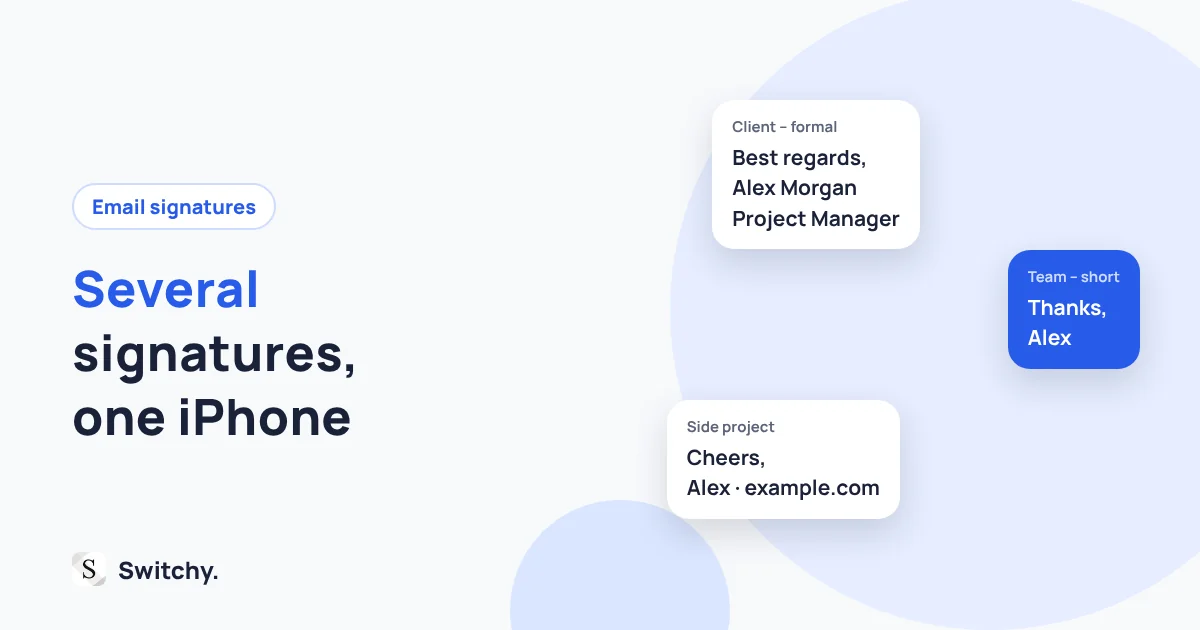
How to Use Multiple Email Signatures on iPhone
Set a different signature for each email account in Apple Mail, Gmail, and Outlook on iPhone, and what to do when one account needs several sign-offs. A keyboard developer’s practical guide.
Replies you can copy
Cancel or Reschedule an Appointment: Message Templates
Copy-ready messages to cancel or reschedule an appointment, from either side: as a client, as a business, at short notice, or with new time options. Polite and clear, from a keyboard developer.
Appointment Confirmation Text Messages: Templates
Copy-ready appointment confirmation texts for salons, clinics, consultants, and home services. What every confirmation needs, short and long versions, and how to keep them ready on iPhone, from a keyboard developer.
Appointment Reminder Text Messages: 15 Templates
Copy-ready appointment reminder texts for the day before, the same day, and one hour before, for salons, clinics, consultants, and services. Plus timing tips that reduce no-shows, from a keyboard developer.
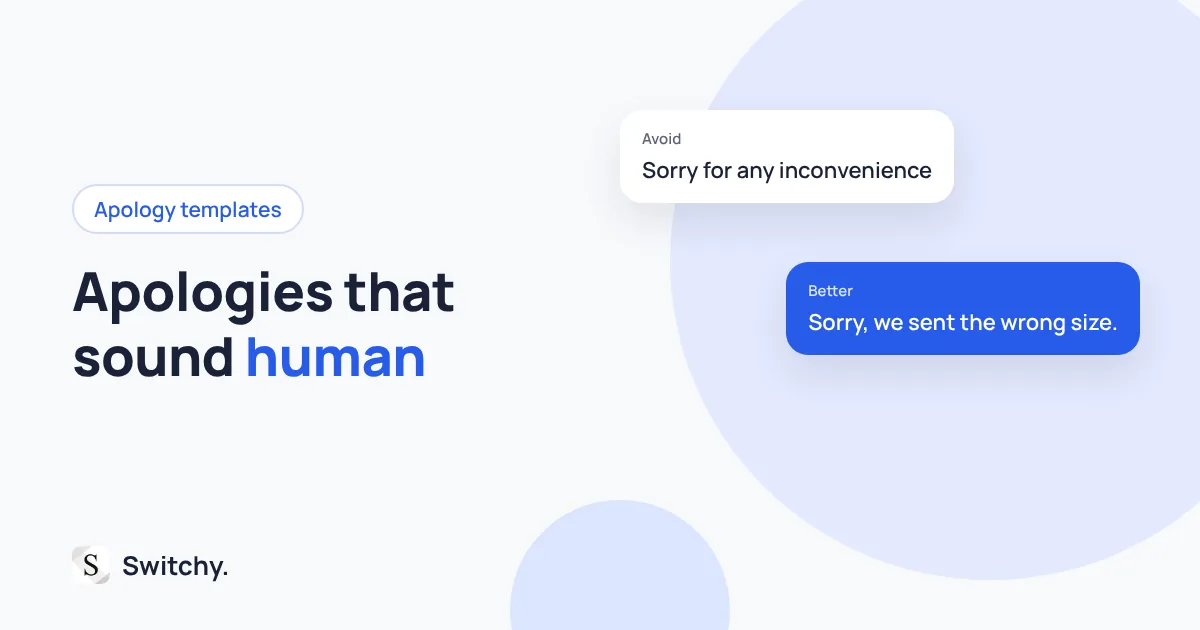
Customer Service Apology Templates That Sound Human
Copy-ready customer service apology templates for late orders, mistakes, bad experiences, and outages. Plus the four parts every good apology has, and how to keep them ready on iPhone, from a keyboard developer.
Delivery Delay Message Templates for Customers
Copy-ready delivery delay messages to tell customers their order is late: before it ships, after it ships, and when you do not know the new date yet. Plus what to include and avoid, from a keyboard developer.
eBay Message Templates for Sellers: Copy and Reuse
Copy-ready eBay message templates for sellers: answering buyer questions, declining offers, shipping updates, and late payments. Plus how to keep them ready on iPhone, from a keyboard developer.
Follow-Up Text Messages: Examples That Get Replies
How to follow up by text when someone has not replied, without sounding pushy. Copy-ready follow-up text messages for clients, job applications, buyers, and friends, plus when to send them, from a keyboard developer.
Instagram Saved Replies: Set Up Quick DMs on iPhone
Use Instagram saved replies to answer common DMs faster on iPhone: who can use them, how they work, ready-to-use examples, and what to do when you also answer outside Instagram, from a keyboard developer.
Missed Appointment Message: Kind Follow-Up Templates
Copy-ready messages to follow up after a client misses an appointment, from a gentle check-in to a no-show fee reminder. Plus what to send when you missed it yourself, from a keyboard developer.
New Client Welcome Email Templates for Service Work
Copy-ready new client welcome emails for freelancers and service businesses: what to include, a full template, a short version, and a kickoff checklist. From a freelance engineer who builds a saved-text keyboard.
How to Follow Up on a Quote or Proposal by Email
Copy-ready follow-up emails after sending a quote or proposal: the first nudge, a second follow-up, a final check-in, and a text version. Plus when to send each, from a keyboard developer.
Refund Email Templates: Approve, Decline, or Ask
Copy-ready refund email templates for approving a refund, offering a partial refund, declining politely, and confirming a refund was sent. Plus what each one must include, from a keyboard developer.
Running Late Text Messages: 20 Examples That Work
Running late? Copy one of these 20 running late text messages for work, clients, friends, and dates. Plus the three things every good “running late” text includes, and how to send one in two taps, from a keyboard developer.
Thank You for Your Order Messages: 15 Examples
Copy-ready thank-you-for-your-order messages for small shops, marketplace sellers, and repeat customers, plus short versions for packing slips and texts. What to include, from a keyboard developer.
WhatsApp Business Quick Replies: Setup and Examples
Set up WhatsApp Business quick replies on iPhone, insert them by typing “/”, and copy ready-made replies for common customer questions. Plus what to do for regular WhatsApp, from a keyboard developer.
Canned Responses on iPhone: Build a Small, Useful Library
How to build a personal library of canned responses on iPhone that you actually use: what to save, how to label it, and why the best libraries are small. From the developer of a saved-text keyboard.
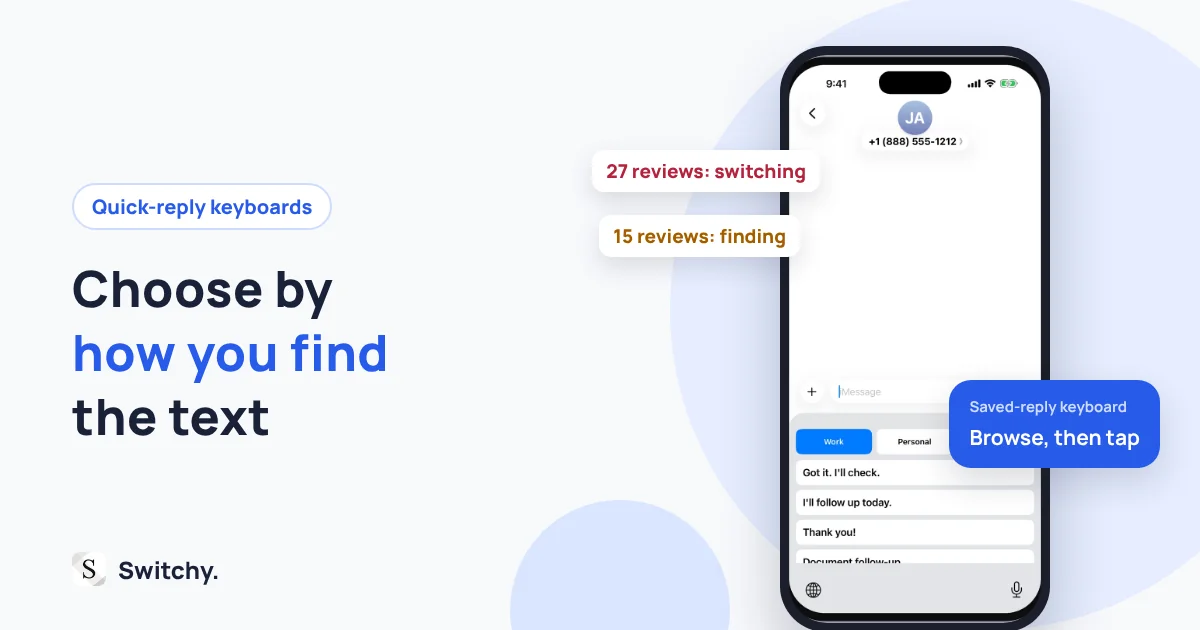
Choose an iPhone Keyboard for Quick Replies
Text Replacement, Notes, a saved-reply keyboard, or an app’s own quick replies? A keyboard developer compares the four ways to send the same reply on iPhone, including the trade-offs most reviews skip.
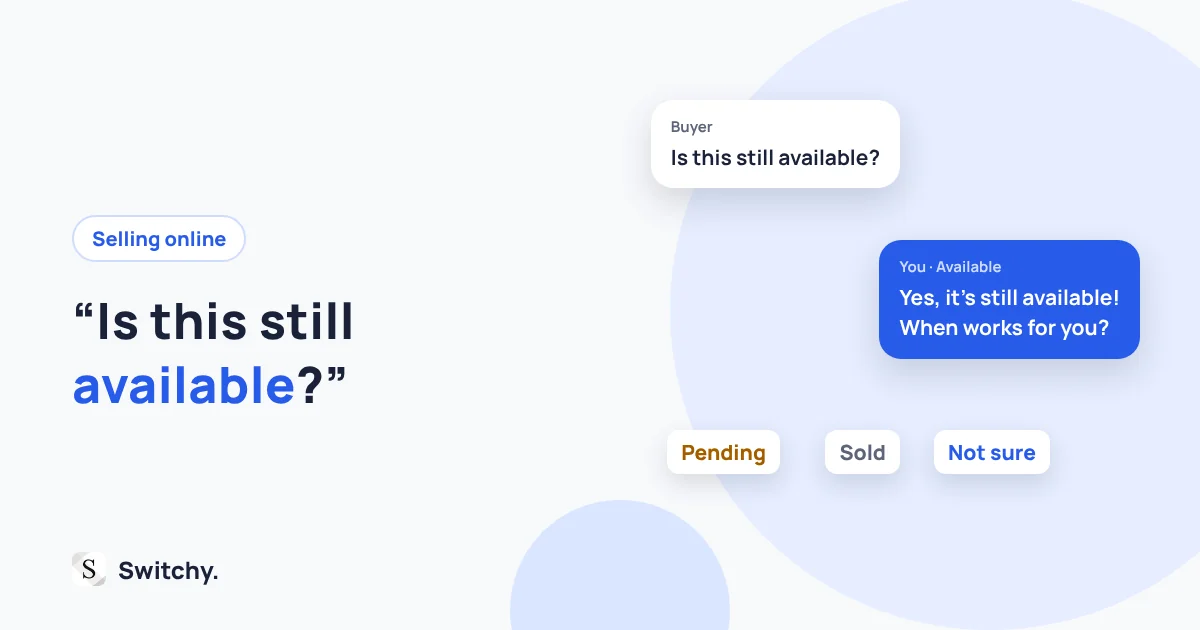
How to Reply to ‘Is This Still Available?’
Honest, quick replies to “Is this still available?” for available, pending, and sold items, plus how to handle the buyers who never reply. Ready-to-adapt examples from the developer of a saved-reply keyboard.