
Stop the “Allow Paste” Prompt on iPhone
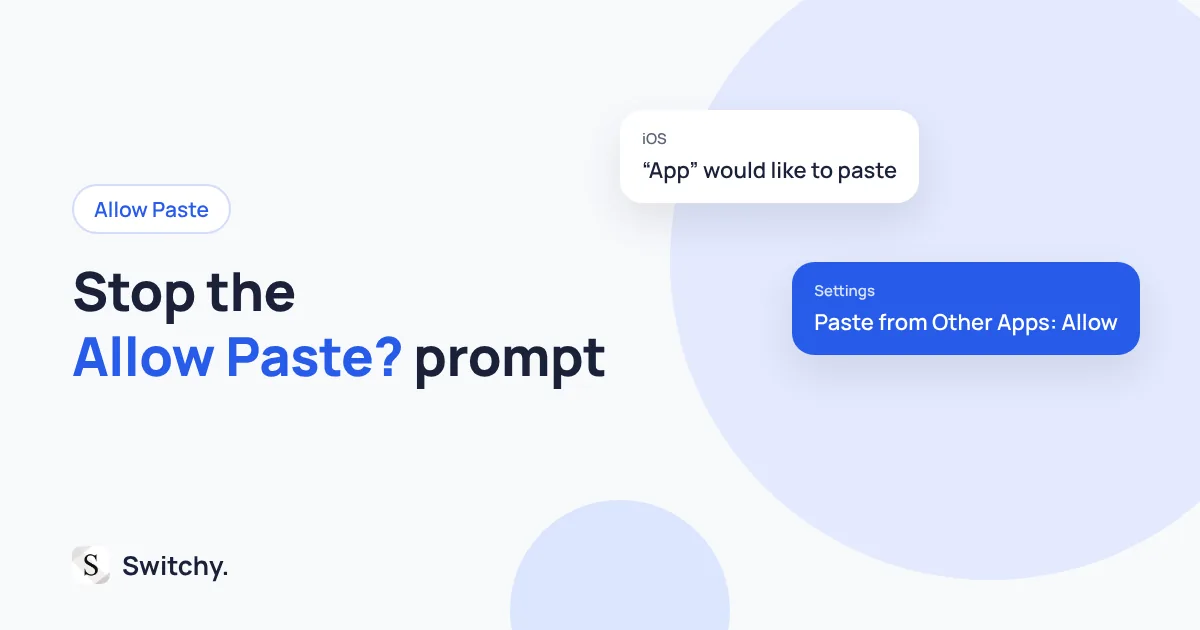
Tired of iPhone asking “Allow Paste?” every time? Here is why the prompt appears, how to set Paste from Other Apps to Allow for apps you trust, and what to do when the setting is missing, from a keyboard developer.
You copy a link, open an app, and before you can do anything a box pops up: “Allow Paste?” Again. It happens every single time, and you are starting to wonder whether something is wrong with your phone.
Nothing is wrong. iOS shows that prompt when an app tries to read your clipboard on its own. You can stop it per app by setting Paste from Other Apps to Allow in that app’s settings. Only do that for apps you trust.
I build Switchy, a keyboard app for iPhone, so I have spent a lot of time with the clipboard rules from the developer side. This guide explains why the prompt appears, how to turn it off, and when you should leave it on. By the end, the prompt will only appear where it is actually protecting you.
If paste is not working at all, start with copy and paste not working on iPhone.
Why the prompt appears
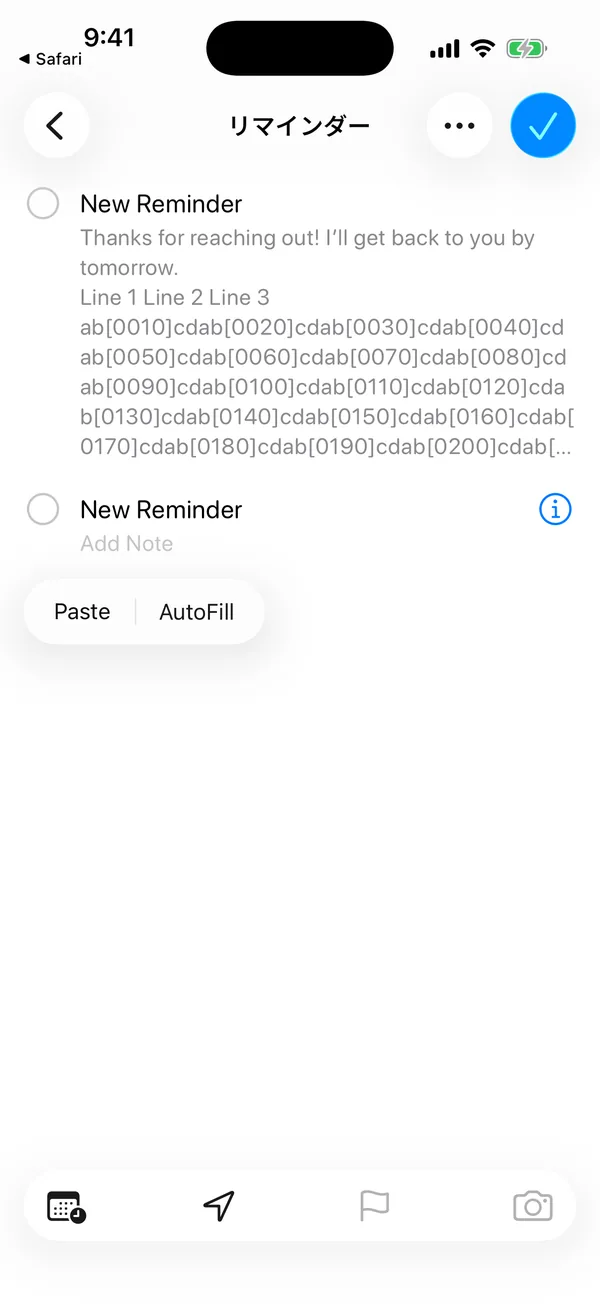
When you paste, by tapping Paste in the menu or a paste button the system provides, iOS does not ask. You chose to paste.
When an app reads the clipboard by itself, for example to offer “open the link you copied,” iOS asks you first. The prompt is iOS telling you an app wants to look at what you copied, which could be a password, an address, or a private message.
That is a good thing. It is also annoying in apps that do it every time you open them.
How to stop it for one app
- Open Settings.
- Find the app. On recent iOS versions, apps are listed under Apps.
- Tap Paste from Other Apps.
- Choose Allow.
The options are usually Ask, Deny, and Allow. Ask is the default. Deny blocks the app from reading the clipboard without asking.
When the setting is not there
The Paste from Other Apps setting usually appears only after an app has asked to read the clipboard at least once. If you do not see it, open the app, trigger the prompt once, and check again.
Which apps should get Allow?
My rule is simple: allow it only where reading the clipboard is the reason you use the app.
- Good candidates: clipboard managers, note apps you paste into all day, a browser you open links in.
- Leave on Ask: shopping apps, social apps, and anything that just wants to “help” with links.
- Consider Deny: apps that ask constantly and never give you anything useful for it.
A note on keyboards
Keyboards are a separate case. A third-party keyboard generally needs Full Access to read the clipboard. Without Full Access, it cannot see what you copied at all. That is one reason I built Switchy to work without Full Access and without a clipboard feature. I explain the trade-off in iPhone keyboard Full Access, explained.
The bottom line
The “Allow Paste” prompt means an app is trying to read your clipboard on its own. Set Paste from Other Apps to Allow for the two or three apps where that is the whole point, and leave everything else on Ask.
If you paste the same text from Notes over and over, a clipboard is the slow way to do it. I compare better options in iPhone clipboard history.