
Instagram Saved Replies: Set Up Quick DMs on iPhone
Use Instagram saved replies to answer common DMs faster on iPhone: who can use them, how they work, ready-to-use examples, and what to do when you also answer outside Instagram, from a keyboard developer.
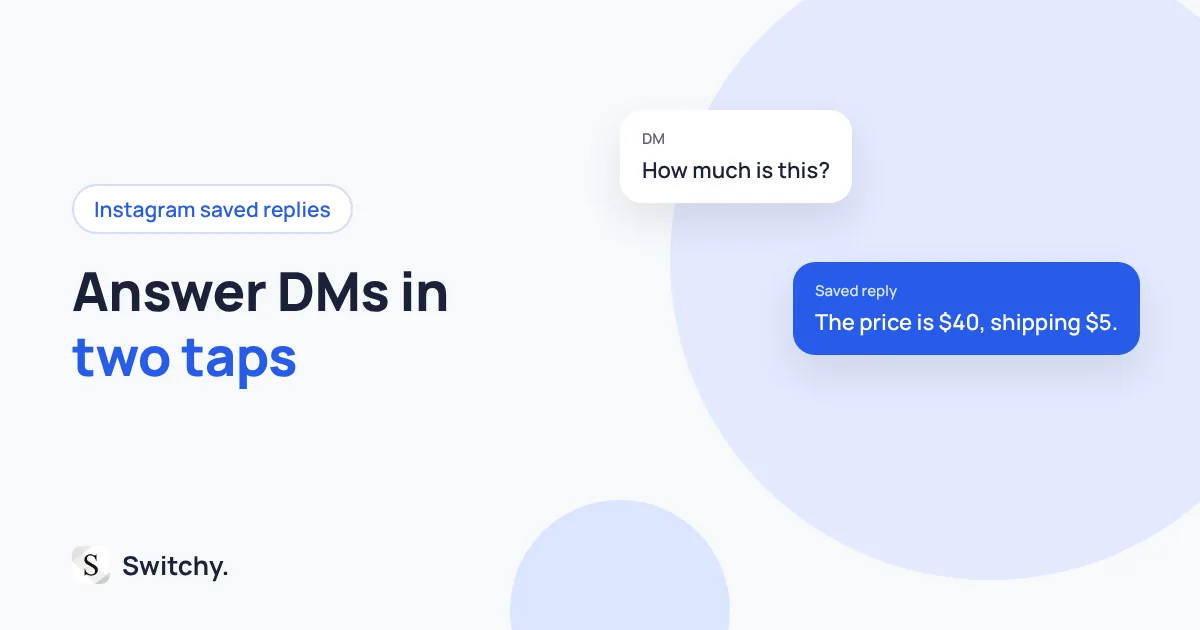
“How much is this?” “Do you ship to Canada?” “Is this still available?” If you sell or work through Instagram, the same five questions fill your DMs every day, and you type the same answers every day.
Instagram has a fix built in. Professional accounts can save replies and insert them in DMs, so a common answer takes a couple of taps. If you answer the same questions outside Instagram too, a saved-text keyboard covers the rest.
I build Switchy, a saved-reply keyboard for iPhone, and I always tell people to start with the platform’s own tools. This guide explains how Instagram’s saved replies work, gives you replies worth saving, and shows where they stop being enough.
For building a reply library in general, see canned responses on iPhone.
Who can use saved replies
Saved replies are a messaging tool for professional accounts, which Instagram offers as Business and Creator accounts (Instagram’s guide to professional accounts). If you have a personal account, you will not see the option. Switching to a professional account is free, and you can switch back.
How they work
You save a reply with a short shortcut word. In a DM, you insert it from the saved replies option in the message composer, or by typing the shortcut. The reply lands in the text field, where you can edit it before sending.
Instagram moves its menus around often. If you cannot find the setting, look for Saved replies in your settings under business or creator tools, or in the DM composer.
Replies worth saving
Hi! Thanks for your message. The price is [price], and shipping is [shipping]. Let me know if you’d like to order!
Yes, it’s still available! Would you like me to hold it while you check out?
We ship to [countries]. Delivery usually takes [days] days.
Thanks for your order! I’ll send tracking as soon as it ships.
Thanks for reaching out! I’ll get back to you within 24 hours.
Keep placeholders like [price] and replace them before sending. A saved reply with the wrong price is worse than no saved reply.
Tips that make saved replies stick
- Save five, not fifty. You will remember five shortcuts. You will forget fifty.
- Name shortcuts by question.
price,ship,avail. Easy to guess later. - Read before you send. A saved reply is a draft, not a finished message.
When Instagram’s saved replies are not enough
Saved replies live inside Instagram. If customers also email you, text you, or message you on WhatsApp, you end up keeping the same answers in several places. That is where a saved-text keyboard helps: one set of replies, usable in any app. I compare the options in how to choose an iPhone quick-reply keyboard.
If you also use WhatsApp Business, its quick replies work similarly. See WhatsApp Business quick replies.