
WhatsApp Business Quick Replies: Setup and Examples
Set up WhatsApp Business quick replies on iPhone, insert them by typing “/”, and copy ready-made replies for common customer questions. Plus what to do for regular WhatsApp, from a keyboard developer.
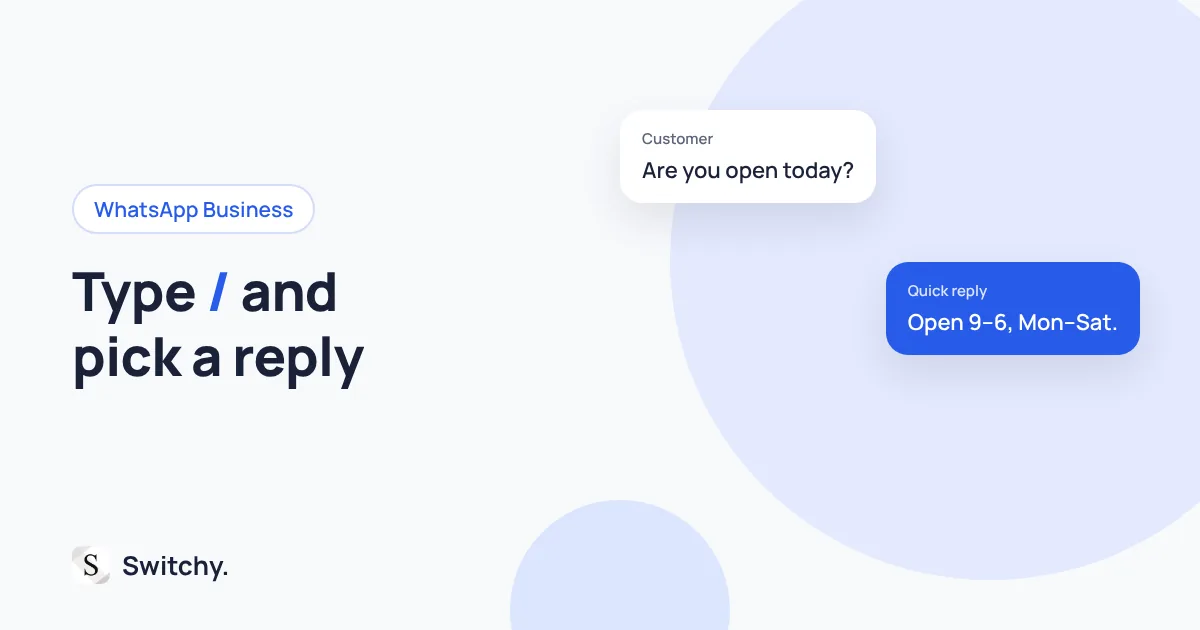
Customers ask the same things on WhatsApp all day: opening hours, prices, delivery times, whether you have something in stock. Typing each answer again is slow, and the wording drifts a little each time.
WhatsApp Business has quick replies built in: save a message once, then type “/” in any chat to insert it. If you use regular WhatsApp, which does not have this feature, you need a workaround outside the app.
I build Switchy, a saved-reply keyboard for iPhone, and I always recommend a platform’s own tools first. This guide covers how quick replies work, examples worth saving, and what to do when they are not available.
For a general approach to saved replies, see canned responses on iPhone.
How to set up quick replies
In the WhatsApp Business app, quick replies are under the Tools tab. Add a new quick reply, write the message, give it a keyboard shortcut, and save. WhatsApp’s help center has the current steps (How to use quick replies).
WhatsApp’s help page also says you can store up to 50 quick replies, and that the app can create default replies from your business profile, such as your address and hours.
How to insert one
Open a chat, tap the message field, and type /. Your quick replies appear. Tap one, and it is inserted into the text field, where you can edit it before sending.
Replies worth saving
Hi! Thanks for your message. We’re open [days] from [time] to [time].
Yes, we have it in stock. Would you like me to set one aside for you?
Delivery usually takes [days] business days. I’ll send tracking once it ships.
Thanks for your order! We’ve received it and will confirm the details shortly.
Sorry for the wait! I’ll check and get back to you within [time].
Tips
- Shortcuts should be obvious.
hours,stock,ship. You will not remember clever ones. - Keep placeholders in brackets. Replace them before you send.
- Review the defaults. Default replies built from your profile are only as good as your profile. Keep it up to date.
Using regular WhatsApp?
Quick replies are a WhatsApp Business feature. In regular WhatsApp, the practical options are:
- Text Replacement for short replies. Free and built into the iPhone.
- A saved-text keyboard for longer replies, or if you answer the same questions in several apps.
I compare these in how to choose an iPhone quick-reply keyboard.
The bottom line
If you use WhatsApp Business, set up five quick replies for your most common questions today. Type “/” and they are there. If you also answer the same questions on Instagram, see Instagram saved replies for the equivalent there.